In-house project · Web hosting
Gagnaver: web hosting anyone can understand
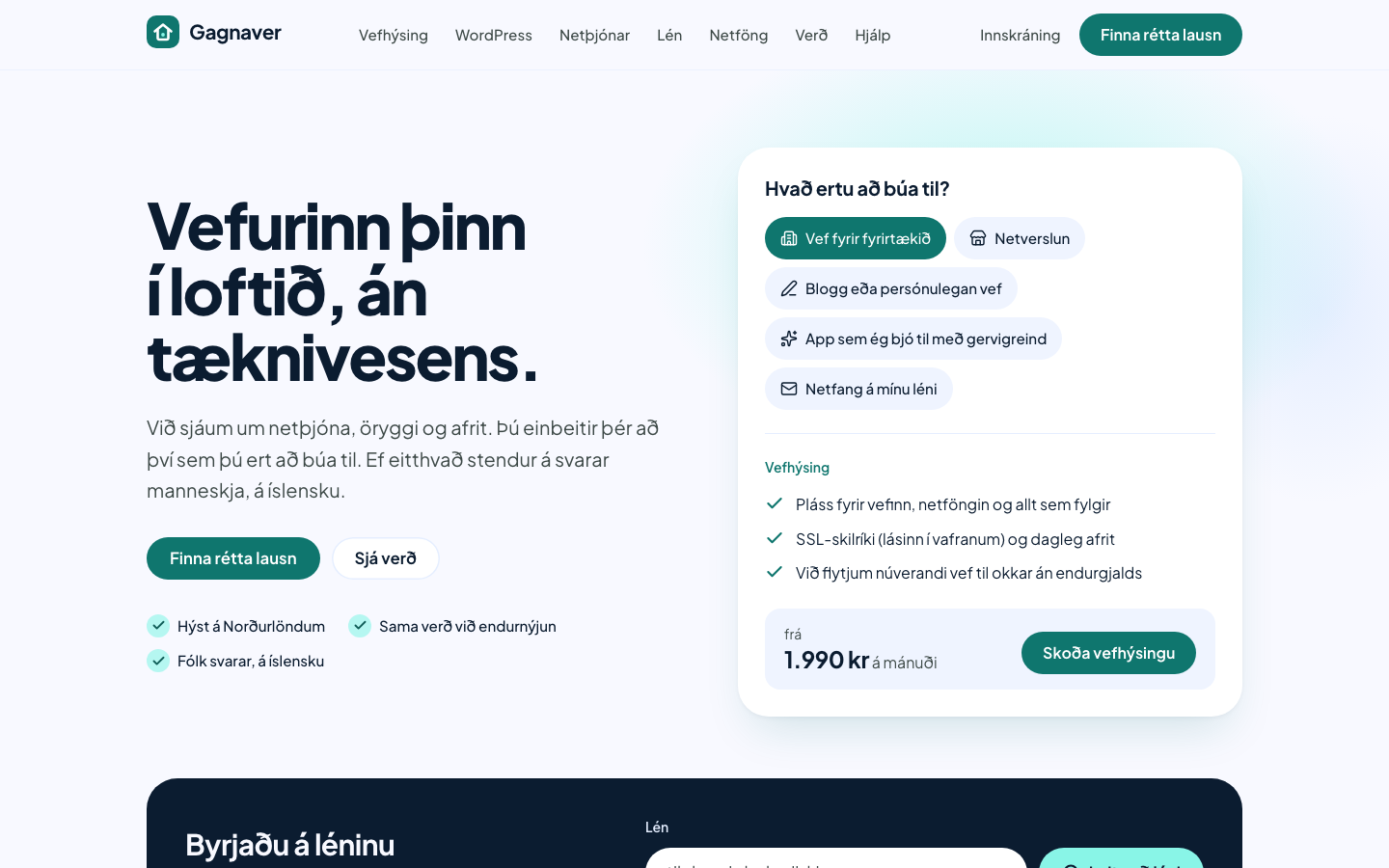
Gagnaver wanted to stop talking only to technical people. We designed and built a site that guides people to the right hosting with four plain-language questions, in Icelandic or English, where content pages ship no JavaScript.
- Published
- Length
- 8 min read
In short
- The old site was a barely customised WHMCS template with lorem ipsum, the template vendor’s testimonials and prices that were simply wrong.
- We built a new identity, “a safe home for your website”, and a site that guides people to the right plan with four plain-language questions.
- Content pages ship 0 KB of JavaScript; the pricing page and a help article score 100 in all four Lighthouse categories on mobile.
- The home page scores 91 for performance because of a layout shift at the top of the page. We report it here, along with how it gets fixed.
Fact sheet
- Client
- Gagnaver
- Sector
- Web hosting
- Year
- 2026
- Services
- Tech
- Astro
- TypeScript
- Tailwind CSS 4
- Payload CMS
- Pagefind
- Vitest
01. Background
Gagnaver is a web host for the Icelandic market and the same company as Íslandsvefir: both are brands of Gagnaver Datacenter AB. Almost all of its customers are Icelandic, and the business runs on Plesk and WHMCS, the system that handles orders and invoices.
The gagnaver.is website, however, was little more than an installation of the WHMCS template “Lagom 2”. It had lorem ipsum, testimonials that shipped with the template, prices that were wrong and product pages with no content. It also sold third-party add-ons such as SiteLock and NordVPN that had nothing to do with the core business.
At the same time the company changed course. Instead of hosting for people who already know the technology, Gagnaver would be hosting for everyone: individuals, small businesses, clubs and creators. The design brief notes that hosting marketing has long been aimed mostly at men and technical users, and that was meant to change.
02. The challenge
Hosting is hard to sell to people who do not know what it is. Words like VPS, SSL and DNS are obstacles, not information. If the first thing someone sees is a price table listing disk space in gigabytes, you have already lost them.
That left four challenges:
- Vocabulary. Every technical term had to be explained where it first appears, without sounding like a textbook.
- Choice. People need to reach the right plan without reading comparison tables.
- Trust. The old site undermined trust with fake testimonials and wrong prices. The new one could not claim anything that is not true. It says “hosted in the Nordics”, for example, not “hosted in Iceland”, because the data lives in Stockholm.
- Operations. People who do not write code need to be able to change content and prices, and the site has to handle three languages.
03. Goals
The goals come from the project’s design document (sections 1, 4, 9 and 10). Here they are given IDs so the results in section 6 can point back to them.
- G1People without technical knowledge find the right hosting plan without having to know the vocabulary first.
- G2The site meets WCAG 2.2 AA and speaks to everyone, not just technical people.
- G3Lighthouse ≥ 95, LCP ≤ 2.0 s, CLS ≤ 0.05 and ≤ 100 KB of JavaScript on content pages.
- G4Icelandic and English from day one and Swedish built in, with localised URLs and hreflang.
- G5A design system with automatically tested colour contrast that later projects build on.
04. Approach
We built the work in layers, each one resting on the one before.
Identity and voice. The core idea became “a safe home for your website”. It produced five promises used across the whole site: hosted in the Nordics, the same price at renewal, real people answer in Icelandic, free migration and security by default. The voice guide says to address the reader directly, keep sentences short and explain each term on first use, such as “SSL certificate (the padlock in your browser)”. Icelandic grammar is gendered, so instead of slash forms like “Tilbúin/n?” we rephrase: “Til í að byrja?” (“Up for getting started?”).
Design system. Colours, type and spacing are defined as design tokens in a shared package. Every defined text and background pair is tested automatically: at least 4.5:1 for text and 3:1 for form-field borders. If someone changes a colour so that a pair no longer passes, the test fails before the change reaches the site.
Illustration. Instead of photos of servers, the design document calls for a cast of characters drawn in SVG: people of different ages and backgrounds, including a wheelchair user, and it explicitly rules out server racks and hoodie-wearing hackers. The characters are not on the site yet; in this version the illustrations are placeholders.
Technology. The site is built with Astro as a static site: every page is a finished HTML file when it ships. Page content lives in the codebase; site settings such as company details and enabled languages come from a Payload CMS at build time. Interactive parts get their own small script, and only on the pages that need it.
05. The solution
A plan finder in plain language
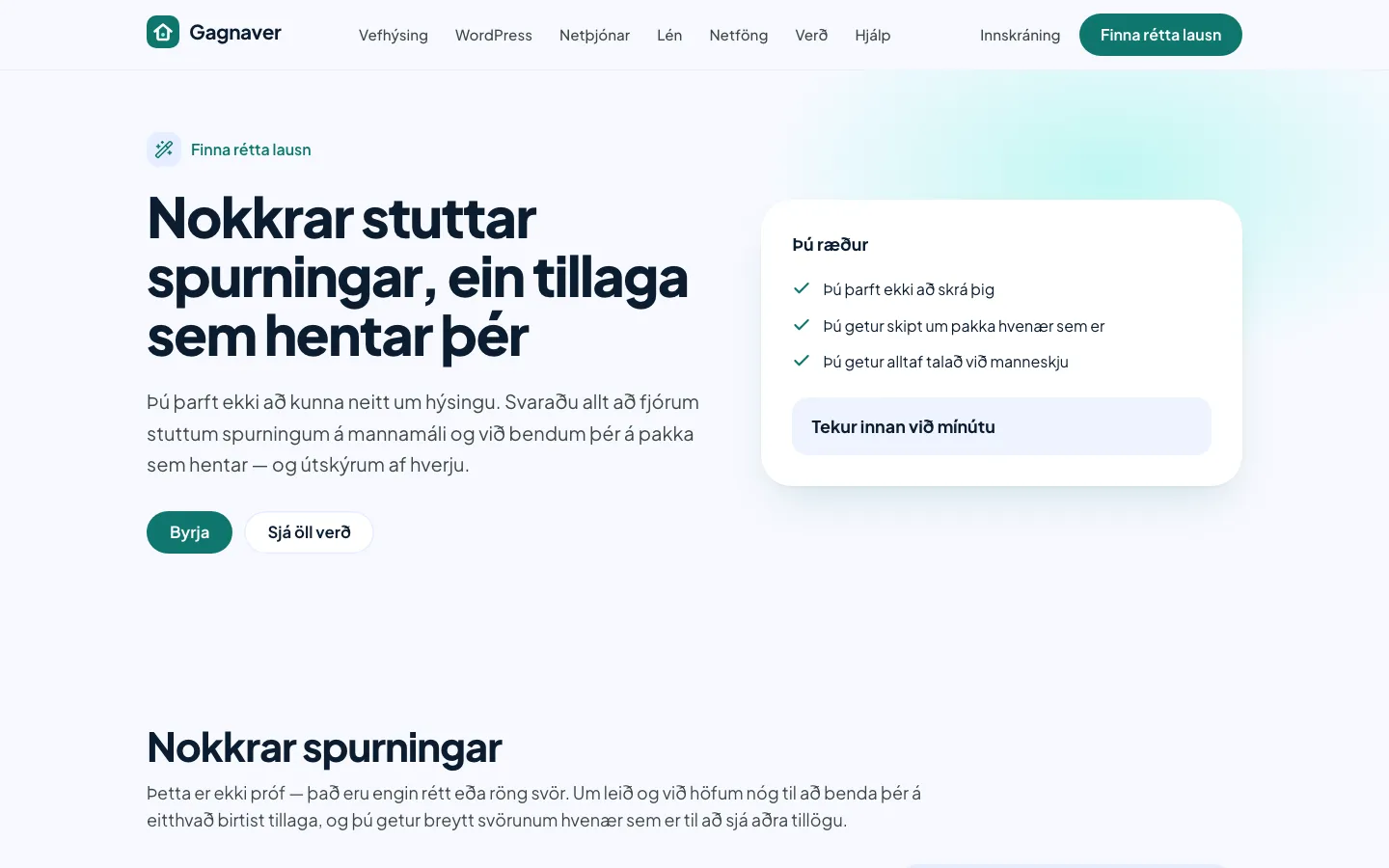
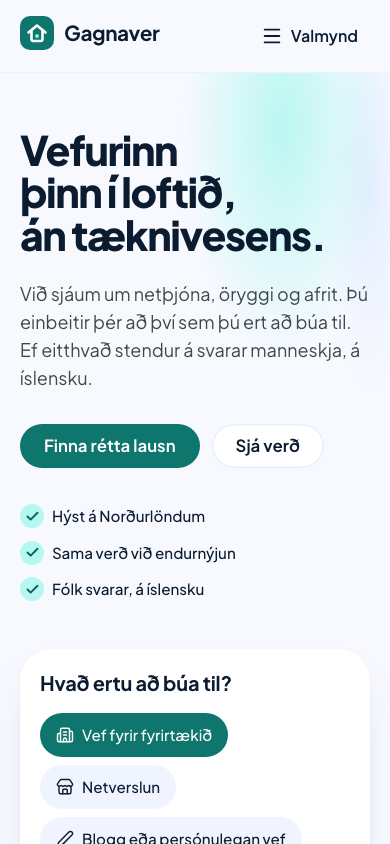
The heart of the site is the plan finder. It asks at most four questions: what do you want to do, do you have a domain, how big is this, and do you want us to handle the tech? The answers are everyday language (“Just starting out”, “Lots of traffic”), and you can skip any step and go straight to prices. No personal data is collected, and the state lives in the URL, so a result can be shared and the back button works as you would expect.
The result is one plan with a “Why this one?” explanation, one alternative and the line “You can always switch plans later”. For now the rules behind the suggestions live in the codebase, covered by tests. The design document plans to move them into the CMS so the marketing team can tune them without a developer.
Prices that hold
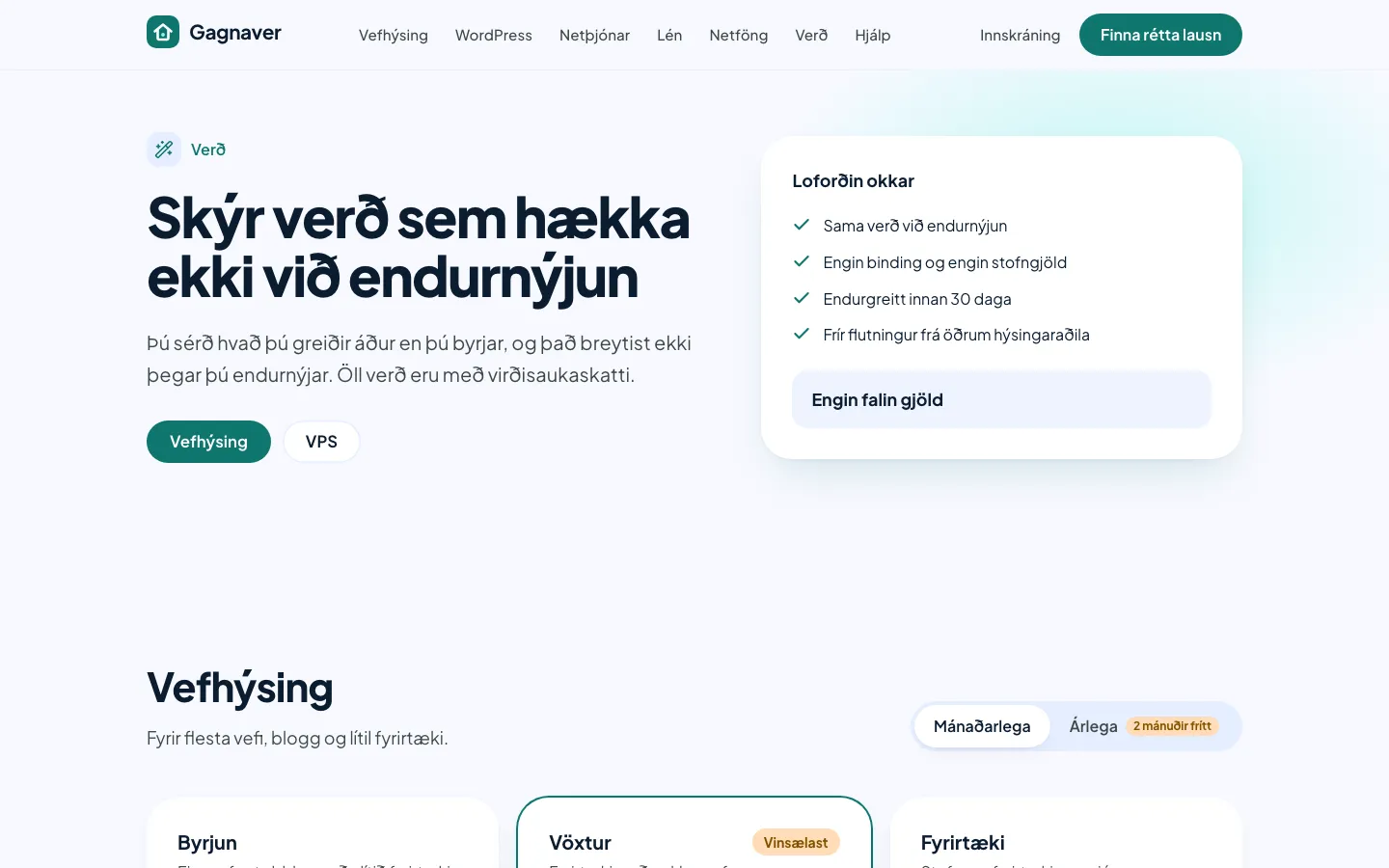
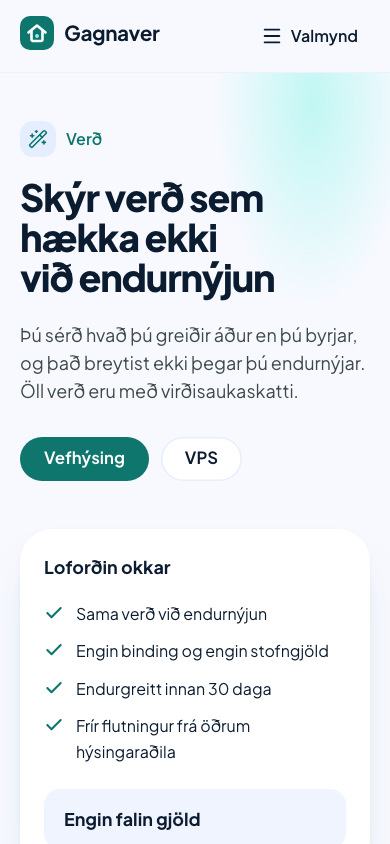
The pricing page leads with the promises, not the table: the same price at renewal, no lock-in, no setup fees and a 30-day money-back guarantee. All prices are shown including VAT. The third-party add-ons the old site sold are gone.
Help that answers
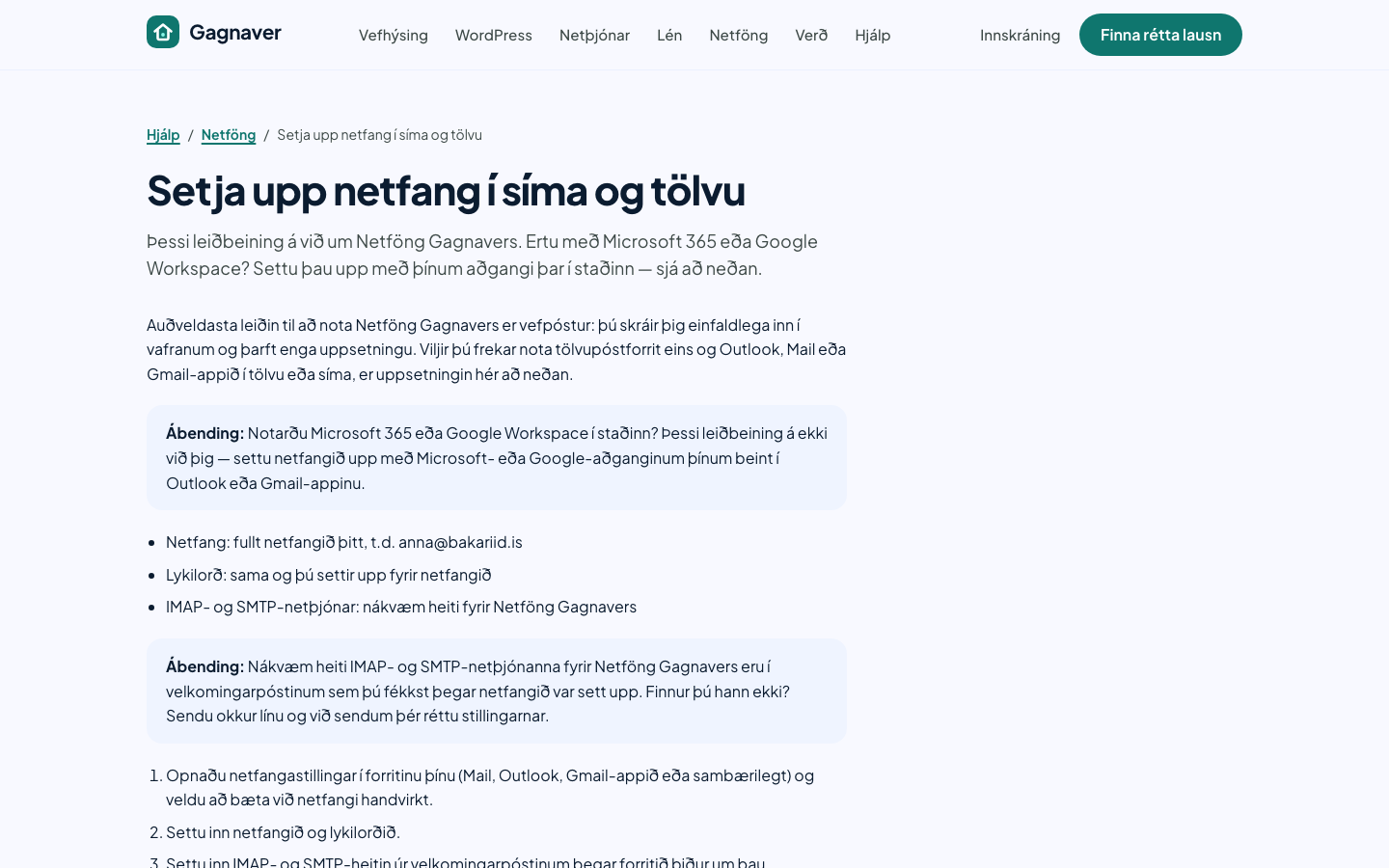
The help centre is part of the same site, with search that runs in the browser (Pagefind) and only loads when someone searches. The articles follow the same voice rules: tips in a panel, steps in numbered order, and no assumed knowledge.
Fast where it matters
Content pages such as the home page, pricing and help articles ship no JavaScript. The mobile menu is a <details> element the browser handles on its own. The plan finder uses a 5.9 KB script. The largest script is the spam protection on the contact form, and it only loads on that one page.
Languages and search engines
Icelandic is the default with no prefix, English lives under /en/, and Swedish is built in but stays hidden until its translation is ready. Every page has a localised URL, such as /vefhysing and /en/web-hosting, and points to its other versions with hreflang. The language switch keeps you on the same page when you change language.
06. Results
The measurements were taken on 6 October 2026 on a local production build, before launch. They show what the HTML, CSS, fonts and images cost, but not the network, compression or a CDN. Once the site is live we will measure again on gagnaver.is.
Answers goal G2
The site meets WCAG 2.2 AA and speaks to everyone, not just technical people.
- Lighthouse accessibility, home, pricing and help article100 / 100Source: Lighthouse 12.8.2, mobile, local production buildMeasured
Answers goal G3
Lighthouse ≥ 95, LCP ≤ 2.0 s, CLS ≤ 0.05 and ≤ 100 KB of JavaScript on content pages.
- Lighthouse performance, pricing page and help article100 / 100Source: Lighthouse 12.8.2, mobile, local production buildMeasured
- Lighthouse performance, home page91 / 100Source: Lighthouse 12.8.2, mobile, three runs; CLS 0.194Measured
- Largest Contentful Paint (LCP), all three pages1.1 sSource: Lighthouse 12.8.2, mobile, local production buildMeasured
- JavaScript on content pages · total page weight0 KB · 43–50 KBSource: Lighthouse 12.8.2 network requests (uncompressed, 4 requests per page)Measured
Answers goal G4
Icelandic and English from day one and Swedish built in, with localised URLs and hreflang.
- Pages in the production build85 pages · 2 languagesSource: Astro build: 43 Icelandic (incl. 404), 42 EnglishMeasured
Answers goal G5
A design system with automatically tested colour contrast that later projects build on.
- Defined colour pairs tested automatically15Source: packages/ui/src/contrast.ts, Vitest testMeasured
Two things stand out. The pricing page and the help article reach 100 in all four categories. The home page, however, misses its own performance goal: it scores 91 because the text at the top of the page shifts as it renders (CLS 0.194 against a goal of 0.05). The shift reproduced in three runs.
The plan-finder goal (G1) will be measured after launch, with cookie-free analytics showing how many people finish the finder and where they drop off.
07. Lessons and next steps
Measure what you promise. We set performance limits before building, and it was the measurement, not a feeling, that caught the home-page shift. It is easy to test only your best pages. That is why the home-page number is published here.
Wording is design. In a plan finder, the wording matters more than the code. How do you ask about traffic without using the word “traffic”? Each answer has to let someone who knows nothing about hosting choose correctly.
Systems get reused. The design system was built to outlast one project. The Íslandsvefir site is built on the same foundation, with its own primary colour and a more editorial look.
Next comes fixing the home-page shift and completing the eight launch criteria. They include confirmed prices, legal terms reviewed by a lawyer, and non-developers publishing a page, a price change and a help article on their own. After launch we will measure the live site again and update this page.